Business Card Scan App new Features release

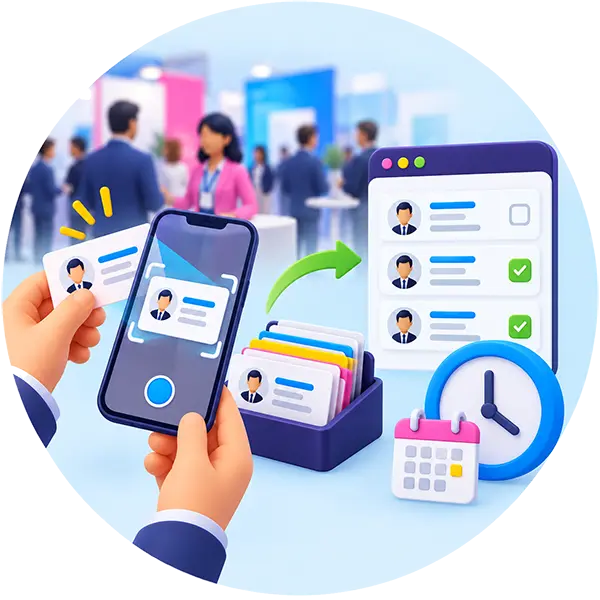
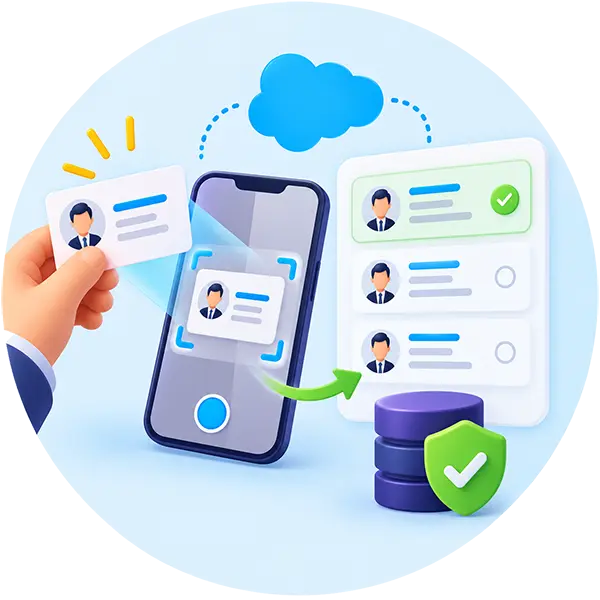
Select scan record matching with native Salesforce duplicate rules

You can scan a business card and use native, out-of-the-box Salesforce duplicate rules to see potential matches before you save the details.

No. 1 for Salesforce business card scan features, based on our competitor feature comparison.

Ask for our competitor feature comparison.

● Native Salesforce duplicate rules ● Fewer duplicate records
How SMS, Text & WhatsApp Messaging Works in Salesforce
Business Card Scan App new Features release

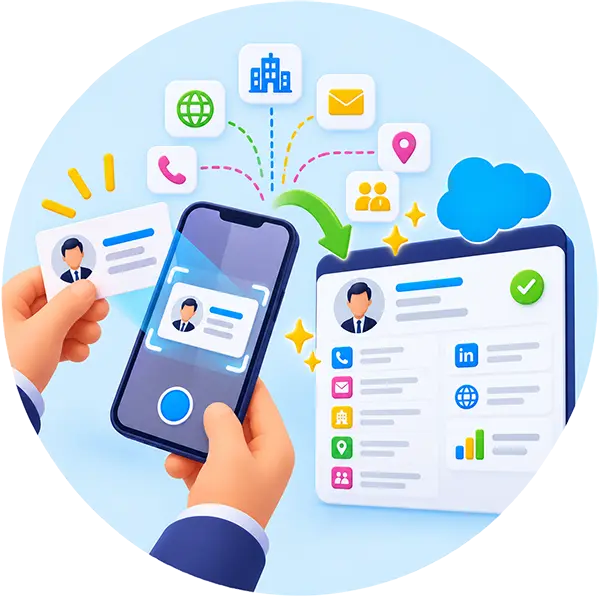
Save now, Process Later

You can scan business cards quickly during events, meetings, and exhibitions, then process and save the details later when you are ready.

No. 1 for Salesforce business card scan features, based on our competitor feature comparison.

Ask for our competitor feature comparison.

● Fast event scanning ● Review before final save
Save now,  Process Later illustration
Business Card Scan App new Features release

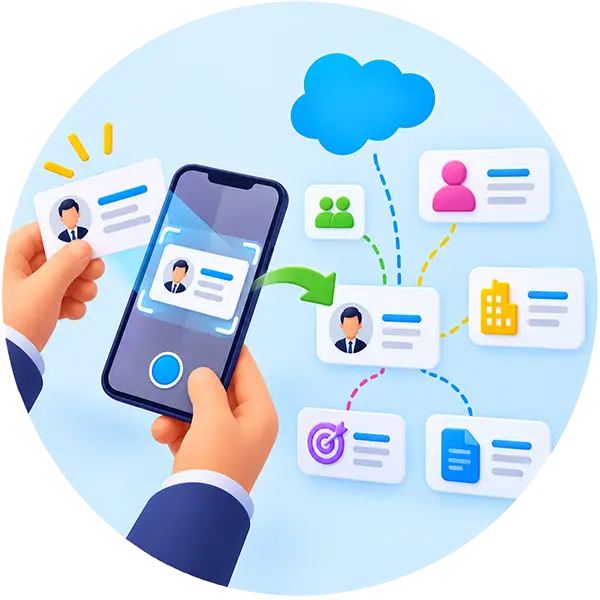
Enrich scanned data with additional extra information

You can go beyond the information printed on the business card by enriching your scanned data with additional contact and company details for more complete Salesforce Lead and Contact records.

No. 1 for Salesforce business card scan features, based on our competitor feature comparison.

Ask for our competitor feature comparison.

● Richer Salesforce data ● More complete Lead and Contact records
Enrich scanned data with additional extra information illustration
Business Card Scan App new Features release

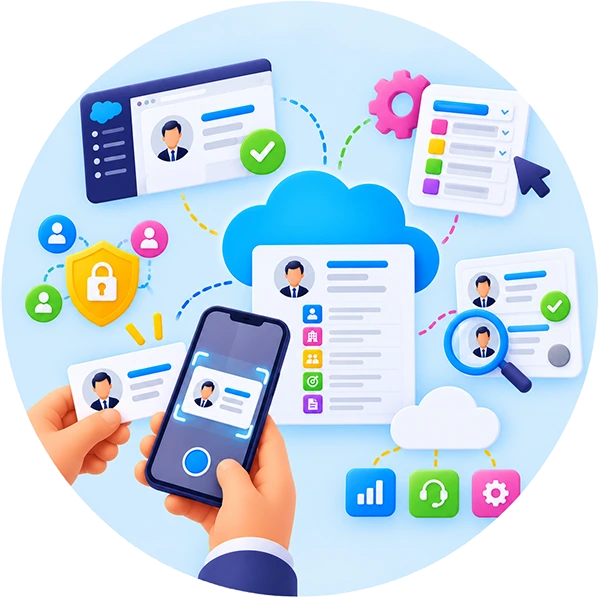
Create and Review Multiple Salesforce Records from One Scan

You can turn one scanned business card into multiple related Salesforce records, then review each record before saving, including Leads, Contacts, Accounts, Campaign Members, and custom records.

No. 1 for Salesforce business card scan features, based on our competitor feature comparison.

Ask for our competitor feature comparison.

● One scan, multiple Salesforce records ● Review before save
Create and Review  Multiple Salesforce Records from One Scan illustration

Built for Salesforce and Built Around Your Business

  • Salesforce Native Built-in Business Card Scan App, you can scan directly inside Salesforce without another app, another login or another system to keep in sync, while your records are saved under your existing Salesforce security, sharing and field access.
  • Power in Your Hands, you can configure and change your scans inside Salesforce without code, while your administrator controls your records, fields, matching, enrichment, card photo options and scan availability.
  • Create Any Type of Salesforce Record, Configure Any Field and Relate Your Records, you can create your standard or custom Salesforce records, map your scanned data to your chosen fields, set fixed values and relate your records together around your business process.
  • Native Salesforce Duplicate Rules with Record Selection, you can use your own Salesforce Duplicate Rules during your business card scan, see your possible existing records on your review form and select the right record before your scanned data is saved.
  • Works with Any Salesforce Licence, you can use your Business Card Scan App with your Sales Cloud, Service Cloud or Salesforce Platform licence, while your scan uses the Salesforce objects available to your users without requiring an extra Salesforce licence.

Turn Every Scan into a Sales Action

  • Create Campaign Member, you can scan your event prospect, use your existing Contact where possible or your Lead where needed, and add your person directly to your selected Salesforce Campaign without adding the same Campaign Member twice.
  • Enrich Scanned Data with Find More Details, you can fill your missing contact information from public information while your scanned or typed data stays unchanged, and your matching runs again using your richer details.
  • Follow-up Task with the Scan, you can create your Salesforce Task as part of your scan, link your Task to your new Contact and Account, and make sure your next sales action is already recorded.
  • Contact or Lead, Never Both, you can update your existing Contact when your person is already known and create your Lead only when your Contact is not found, helping you keep your Salesforce data cleaner.
  • Create and Review Multiple Salesforce Records from One Scan, you can review your Account, Contact, Lead, Task and other configured records together, see what your scan will create or update, and check your information before you save.
Get It on AppExchange
Business Workflow Automation Hub

Scan Anything, Anywhere with One Setup

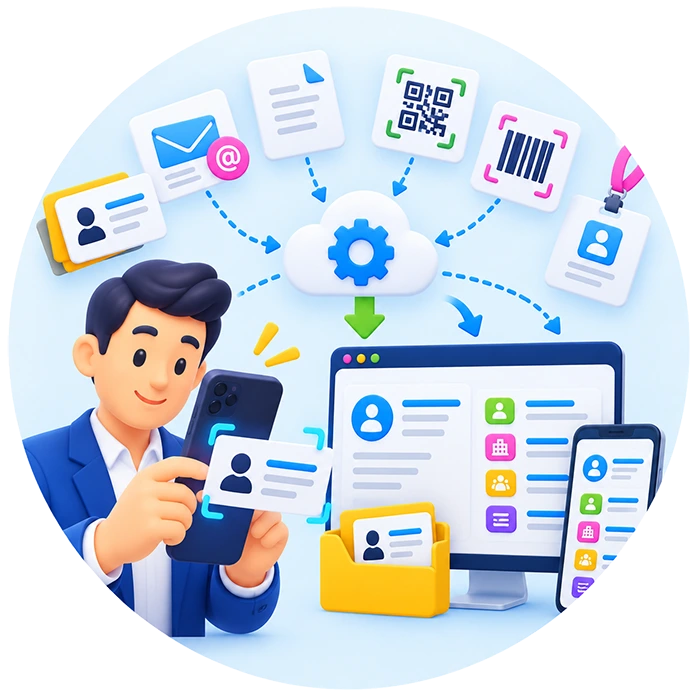
  • Unified Scanning for Business Cards, Digital Cards, Email Signatures, Documents, QR Codes, Barcodes and Badges, you can capture your contact details from paper business cards, digital cards shown on a screen, email signatures, letterheads, invoices, brochures, QR codes, barcodes and event badges through one app.
  • Ready-made Scans, you can start with Create Lead, Create Contact & Account or Create Campaign Member straight after installation, while your administrator can change your scan later to match your Salesforce process.
  • Save the Original Business Card Photo, you can keep your original card image as a Salesforce File on your record when your team needs to check the source behind your captured information.
  • Desktop and Laptop Business Card Scan, you can upload or drag your business card photo into Salesforce from your desktop or laptop and use the same review and save process as your mobile users.
  • International Business Card Scan, you can capture your international business cards with consistent names, company information and country details while your foreign contact data stays easier for your team to use in Salesforce.
  • One Setup for Business Cards, QR Codes and Badges, you can configure your Salesforce objects, fields and matching rules once and use your same setup when your user scans a business card, QR code or event badge.
Book a Demo
❝

Business Card Scan App is built by Application House, a Salesforce Consulting Partner with 300+ projects delivered and certifications across Sales Cloud, Service Cloud, Marketing Cloud, Financial Services Cloud and more. Your scanner isn’t a weekend project, it’s part of a proper Salesforce tooling stack, backed by a global team you can actually call.

❞

Application House, Salesforce Consulting, AppExchange and Managed Service Partner

Start scanning business cards into your CRM today

You can get the Business Card Scan App on the Salesforce AppExchange or contact the Application House team to discuss a trial. Our business card app helps your sales, event, and recruitment teams capture business leads faster by using a powerful business card reader to scan every scannable business card directly into Salesforce.

sales@applicationhouse.com

Or fill in a few details and our Salesforce team will get back to you within one working day.

Get on Salesforce AppExchange