Select Record using Salesforce Duplicate Rules
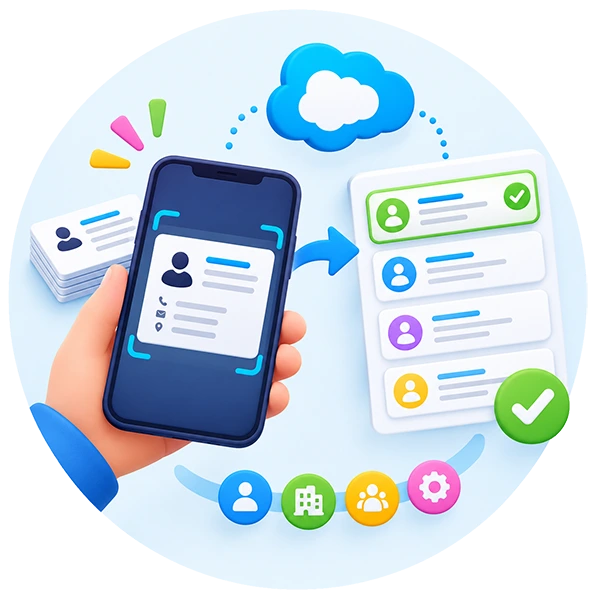
You can use your Salesforce duplicate rules to find matching records and select the right Lead, Contact, Account, or custom record before saving your scanned business card.
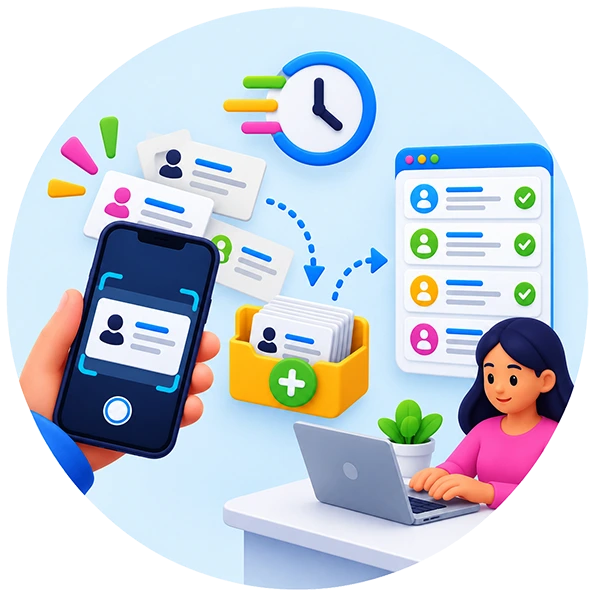
You can capture your business cards instantly and process them later when you have time to review, validate, and save the details into your CRM.
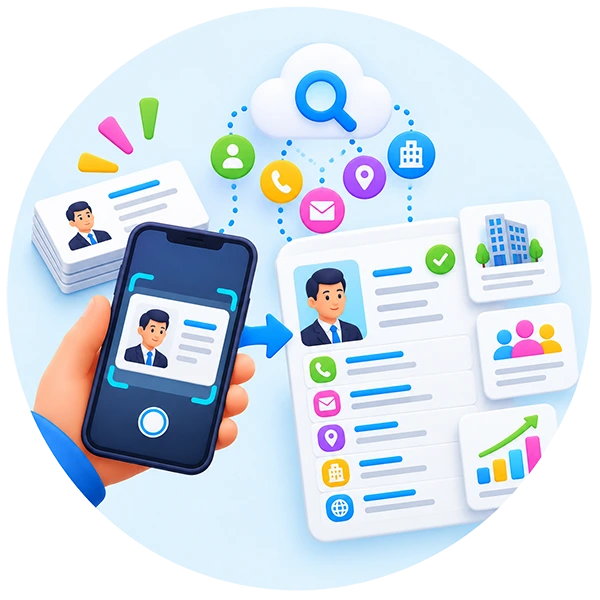
You can enrich your scanned business card data with additional contact and company details, helping you create more complete and useful CRM records.
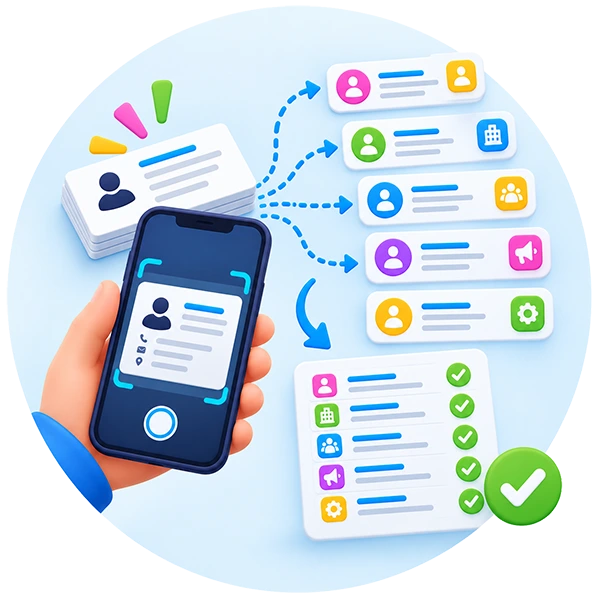
You can create and review multiple related records from one scanned business card before saving, including Leads, Contacts, Accounts, Campaign Members, or custom records.
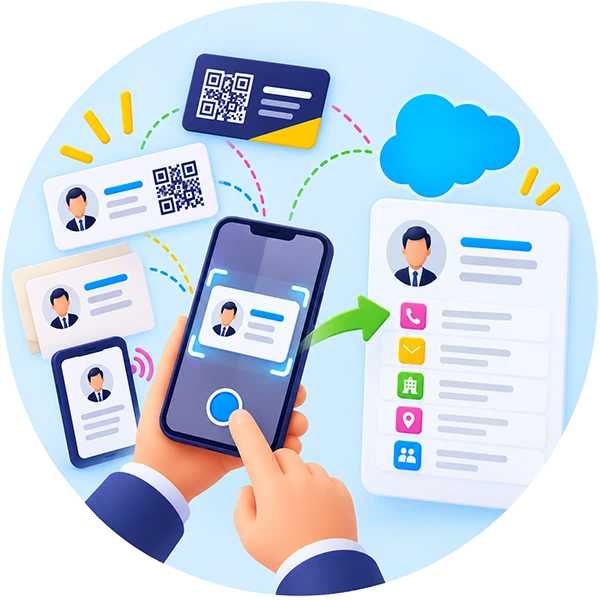
Whether you scan a QR Business card, a business card with QR code, a paper card, or digital business cards, our scanner for card instantly captures the contact details with accuracy. Perfect for trade shows, supplier visits, and networking events, the Business Card Scan App intelligently detects fields and pushes a clean, structured record into your CRM before the conversation ends. It even complements organizations using business card printing by digitizing printed cards into actionable Salesforce records within seconds.
You point your phone at a business card and get clean, structured contact data in seconds. Your team stops typing names into forms and starts closing the loop between a handshake and a follow-up email.

You scan a business card in under three seconds. Your phone handles the capture, the cropping and the field detection without you having to line anything up perfectly.

You flip the card and scan the back too. Your contact record merges both sides into one clean entry so you never miss the mobile number hiding on the reverse.

Your scanner reads business cards in 15+ languages. You capture leads at a trade show in Tokyo or Berlin without typing a single character by hand.

You scribble a note on the card and scan it all together. Your note lands in the CRM alongside the contact, not in a separate inbox you forget to check.

You’ve got a stack of cards from the exhibition? You scan them all in one session, your app queues them up and pushes them to your CRM in the background.

Your scanner knows which string is a name, which is a title and which is a phone number. You don’t re-map fields after every scan.

Your conference venue’s Wi-Fi is a disaster? You keep scanning anyway. Your queue syncs the moment you’re back online.

You scan more than business cards. Your expense receipts and short documents capture into the same workflow, attached to the right contact or opportunity.
Your team lives on their phones. Your business card scanner lives there too, in the Salesforce Mobile App, as a progressive web app, or as a native app, whatever suits the way you work.
You open the Salesforce Mobile App and the scanner is right there. Your reps don’t learn a new login or install anything extra.
You add the scanner to your phone’s home screen in two taps. Your app works offline, loads instantly and doesn’t need the App Store.
Your team uses whatever phones they’ve got. Your scanner looks and behaves the same on iPhone and Android, same quality, same sync, same shortcuts.
You can dictate a quick voice note straight after the scan. Your note gets transcribed and attached to the contact record.
Your trade show booth is dimly lit? Your scanner’s flash and auto-focus handle dark corners and glossy cards without a re-shoot.
You’re holding a coffee, a badge lanyard and a card? Your scanner works one-handed with a big tap target.
You scan, you tap save, your CRM updates. Your team sees the new contact on the desktop within seconds.
Your scanner notifies you when a duplicate is detected or a sync fails. Your data stays clean because you know about problems as they happen.
Your late-night trade show sessions are easier on the eyes. Your scanner respects your phone’s dark-mode setting.
Your CRM choice shouldn’t limit your business card scanner. You push clean contact data into Salesforce, HubSpot, Pipedrive, Dynamics 365, Zoho, Sugar, SAP or Odoo, and you map every field the way your team actually uses them.
You create Leads, Contacts, Accounts and Opportunities from a single scan. Your Permission Sets, custom fields and Campaign attribution all work out of the box.
Your HubSpot Contacts get created with the right lifecycle stage, owner and associated company. You don’t do it manually.
You turn every business card into a Pipedrive deal. Your pipeline grows from every meeting, call and event without extra admin.
Your Microsoft Dynamics 365 environment gets clean Account and Contact records straight from a scan. Your field mapping handles custom entities too.
Your Zoho CRM Leads and Contacts get created with verified fields. You never type a name character by character again.
Your Sugar CRM captures leads at the speed of a scan. You save hours a week across a ten-person sales team.
Your enterprise CRM is ready for business card scans. Your field mapping and authentication handle even the strictest setups.
Your Odoo Contacts list stays current. You scan once, your contact lands in the right module with the right tags.
You map scanned fields to any CRM object or custom field. Your industry-specific workflows stay intact.
Your CRM data is only as good as what goes in. Your scanner catches duplicates before they land and validates every field before it saves, so your team stops wasting time on data cleanup.

You scan a card, your app checks your CRM for existing matches before it saves. You never create the same contact twice.

Your duplicates aren’t always exact. Your scanner catches ‘John Smith’ vs ‘J Smith’ vs ‘John R Smith’ as the same person.

Your scanner validates email addresses and phone numbers on the fly. You catch typos before they become bounced emails.

You set which fields are mandatory per CRM object. Your scanner prompts for missing data before saving, not after.

Your scanner can enrich scanned contacts with company data, LinkedIn profile links or industry tags. Your records get richer automatically.

Your team scans a card and it’s a partial match? Your scanner suggests a merge instead of creating a new record.

You can see who scanned what, when and from where. Your data governance stays tight.

Your scanner respects your CRM’s validation rules. You don’t create records that your CRM will reject five minutes later.
Your exhibition lead capture doesn’t have to mean renting a clunky £500 device. Your phone’s business card scanner reads event badges, connects to event API keys and runs offline when the venue Wi-Fi collapses.
You connect your Cvent, Expo Pass, Maritz, Grip, EventMobi, PheedLoop or Swapcard API key and pull full attendee profiles from a badge scan.
You scan a conference badge’s QR code and get the attendee’s full contact record, company and session attendance pushed into your CRM.
Your event venue’s Wi-Fi is notoriously flaky. Your scanner keeps working offline and syncs when you’re back in signal.
You scan a card, answer three qualifying questions and rate the lead. Your pipeline gets sharper before the exhibition even ends.
You tag hot leads on the spot. Your follow-up team knows which contacts to prioritise the moment they get back to the office.
Your team scans from multiple phones. Your leads pool into one CRM record with the scanning rep attributed automatically.
Your scanned leads get attached to the right Salesforce Campaign automatically. Your exhibition ROI shows up in the right dashboard.
You scan a card and your Pardot nurture sequence fires. Your lead gets their first touch within minutes of the handshake.
You see lead counts, hot leads and conversion by rep in real time. Your booth manager makes better calls during the day, not after it.
Tell us about your project and a consultant will be in touch shortly.